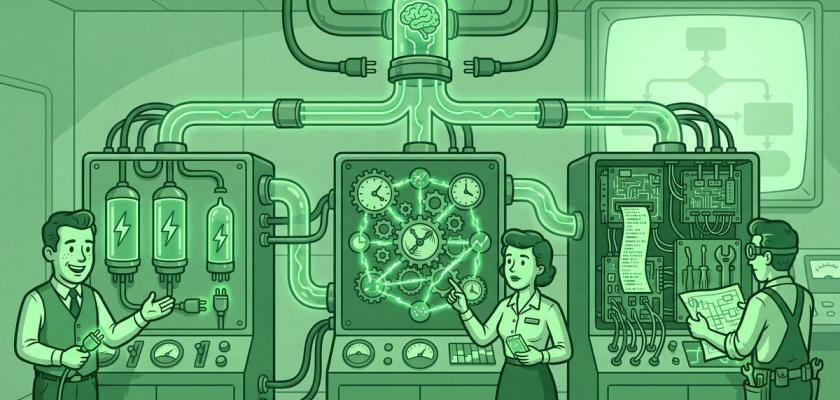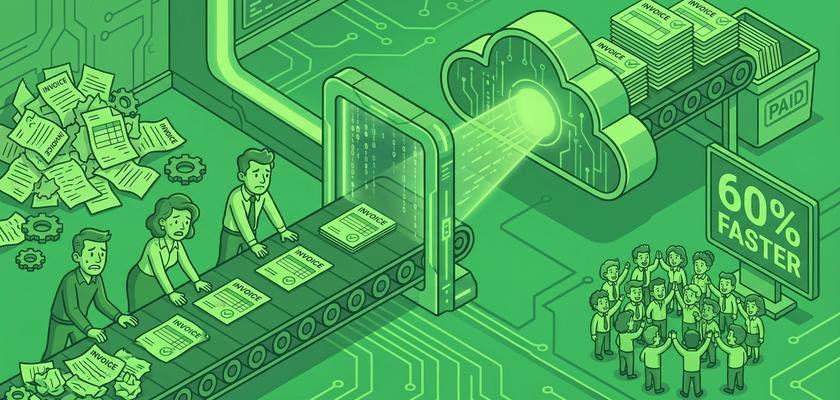
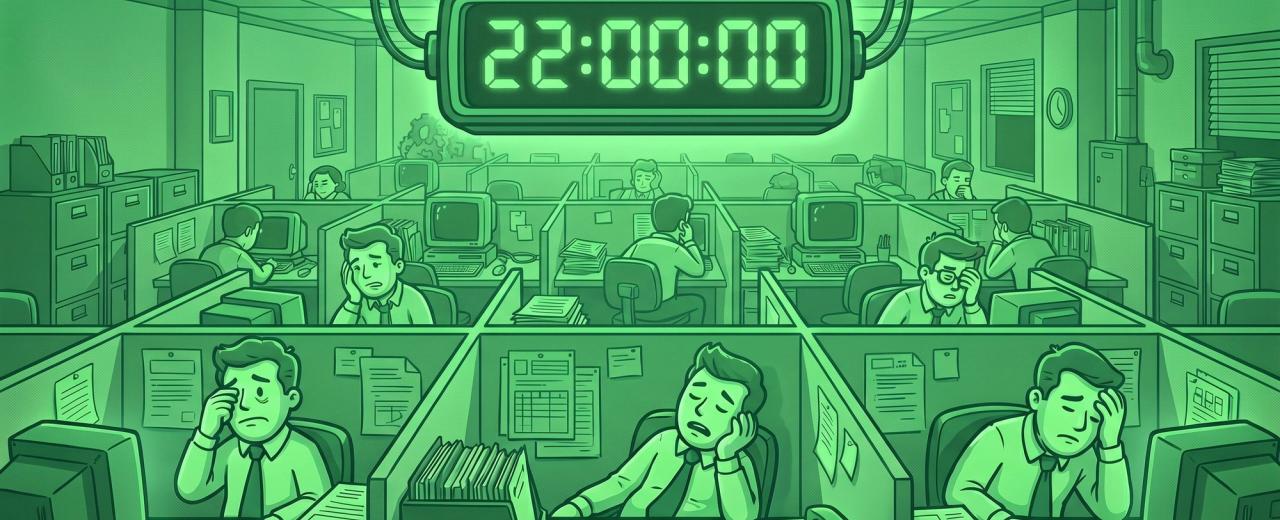
TL;DR. Knowledge workers lose about 22 hours of every 38-hour work week to "work about work" — status updates, hunting for information, switching between apps, re-entering data, and follow-up email. For a 20-person service business, that's roughly $430,000 a year of paid friction. The fix isn't more hustle; it's a deliberate audit of where the hours go and a short list of automations and integrations that pay back inside a quarter.
The 22-hour math, made concrete
The most quoted statistic in the productivity research is also the one most owners refuse to believe: knowledge workers spend ~60% of their time on work about work — not on the work they were hired to do. That's the headline of Asana's Anatomy of Work Index, based on 10,000+ knowledge workers surveyed globally. Across a standard 38-hour week, 60% is about 22 hours. More than half the week. Per person.
Run the math on a 20-person services business at $75,000 loaded labor per employee. 55% of paid time × $75K × 20 people = $825,000 of labor going to work about work.
You can't recover all of it — some coordination is real work — but the credible target for an SMB that gets serious is about 50%. Eleven hours per person per week, returned. For the 20-person business, that's roughly $430,000 a year of paid friction, hiding inside the P&L. No QuickBooks line item names it. But it's there, and you're funding it.
This article is the deep version of a stat we cited in our integration guide. That piece named the cost; this one names what to do about it.
Where the 22 hours actually go
The 22 hours leak out across six predictable categories. Naming them is the first step to fixing them.
1. Communication about work — ~7 hrs/week. Asana's data attributes 352 hrs/yr to "talking about work": meetings, Slack threads, email loops where the topic is the work, not the work itself. Status updates. "Quick syncs." The Tuesday meeting that exists because something fell through the cracks last Tuesday.
2. Looking for information — 4–5 hrs/week. Where's the contract? Which version of the proposal went out? When documentation is scattered across email, Slack DMs, three Google Drives, and one person's laptop, finding it is a part-time job. Salesforce's Slack research found nearly half of desk workers can't reliably find the information they need.
3. Switching between apps — ~4 hrs/week. Harvard Business Review reported in 2022 that, across 140 workers at 20 large companies, employees made ~1,200 app switches per day. The cumulative reorientation cost — HBR's "toggling tax" — was just under four hours per worker per week. Roughly 9% of the workweek, gone to moving between tabs. A Qatalog–Cornell follow-up put focus-recovery time at 9.5 minutes per switch.
4. Data re-entry — 2–4 hrs/week. A bookkeeper retyping invoice details into QuickBooks. A salesperson updating the CRM with notes the meeting recorder already captured. Every service business with five-plus disconnected SaaS tools has a "Friday afternoon problem" that is mostly typing.
5. Follow-up email — 2–3 hrs/week. Writing the same email for the fifteenth time. Chasing an invoice 12 days late. Reminding a client of the meeting they accepted Monday. Template work performed without a template.
6. Reporting and reconciliation — 2–3 hrs/week. Pulling numbers from three dashboards into a Google Sheet because no system shows the view you need. Reconciling hours against invoices. The weekly status report nobody reads.
Add the categories: roughly 22 hours. Same data, sliced differently.
Why this isn't a "work harder" problem
Most SMBs don't fix this because it doesn't feel fixable. You see a busy salesperson, a bookkeeper buried in spreadsheets, a PM copying things between tools. The instinctive read: we need more people, or our people need to move faster. Both reads are usually wrong.
The 22 hours isn't a "trying hard enough" problem. It's overwhelmingly a tooling and integration problem. Every SMB ends up with five to fifteen software tools, none chosen with the others in mind, and the gaps between those tools become the work people end up doing.
Salesforce's Slack State of Work puts a number on it: desk workers spend 41% of their day on tasks they consider low-value. The same research found automation saves about 3.6 hours per employee per week — nearly five working weeks per year, recovered, with basic automations.
The diagnostic we use with clients: when someone is doing something repetitive, ask one question — would this still need to happen if our systems talked to each other? If the answer is no, you've found a tooling problem masquerading as a labor problem. Hiring won't fix it. Process docs won't fix it. The fix is plumbing.
The 5 highest-leverage automations to recover hours fast
You don't need a 30-automation roadmap. You need three to five that ship, run in production, and pay back this quarter. These map directly to the time-leak categories above.
1. CRM ↔ accounting sync. Closes the gap between sales and money. Eliminates the manual hand-off where a closed deal becomes an invoice. Recovers 2–4 hrs/week from whoever is the human bridge. A few hours on Zapier, Make, or n8n. Our systems integration guide covers priority order; accounting-to-CRM is always first.
2. Meeting note to CRM sync. AI notetaker records the call, writes the summary and action items, and pushes them straight into the deal record. Recovers 2–3 hrs/salesperson/week and lifts CRM data quality. Setup closer to one hour than one day.
3. Inbox triage with an AI agent. Drafts replies to the obvious 30–50% of email, classifies the rest, surfaces what actually needs you. Recovers 30–60 min/inbox/day for the people most likely to be your bottleneck.
4. Document Q&A on a single knowledge base. "What's our PTO policy?" "How do we run the monthly close?" — answered by a model reading your operational docs, not by interrupting the ops lead. Recovers hours of interrupted time, worth more than contiguous hours because of focus-recovery cost.
5. Lead enrichment and scoring. New leads get firmographics, tech stack, and fit score before sales sees them. The 15 minutes per lead on manual research collapses to the 30 seconds it takes to read the briefing.
The full build guide is in 5 AI Automations a 20-Person Company Can Set Up This Month. The point of listing them here is the math: each recovers 30 minutes to 4 hours per affected person per week. Stack three across a 20-person team and the eleven-hour recovery target stops sounding optimistic.
The 4-step audit to find YOUR 22 hours
You can't reclaim what you can't see. Before you buy a single automation tool, run this audit. A week of light effort produces a ranked list of what to fix first.
Step 1: Track. For one week, ask everyone to log time in 30-minute blocks. Categories: real work, meetings, email/Slack, data movement, information hunting, reporting, other. A shared spreadsheet is fine. The point is awareness, not precision.
Step 2: Categorize. At week's end, tally hours per category per person. The number that matters is everything that isn't "real work." Most teams land close to the Anatomy of Work benchmark — 18 to 25 hours per person per week, depending on role. Believe the spreadsheet.
Step 3: Score. For each non-"real work" line item, score on three dimensions:
- Frequency — daily, weekly, monthly?
- Time per occurrence — 5 minutes, 30 minutes, 2 hours?
- Automatability — data-movement, knowledge-retrieval, or judgment/relationship?
Top of list: high-frequency, time-consuming, mechanical. Bottom: infrequent, fast, or requires human judgment.
Step 4: Fix. Pick the top one. Just one. Build it, document it, run it for two weeks, measure the recovered hours. Then pick the next. Compounding works; blitzing doesn't. The most common failure mode is starting with five at once and finishing with zero.
If you'd rather not run the audit alone, this is what we do in a Stack Audit — 30 minutes, video, no slides. We name the top three moves with rough recovery estimates. Either way, do the audit.
What recovery looks like in 90 days
The first 30 days look like nothing. You're auditing, picking the first automation, building, testing. Owners get impatient. That's normal.
By day 60, two automations are in production. A salesperson stops doing post-call admin. The bookkeeper's Friday reconciliation drops from three hours to forty minutes. Individually undramatic. Aggregated, several hours per person per week.
By day 90, three to five automations are running and the math becomes visible. For the 20-person example, ten hours recovered per person per week is roughly $400,000 in annualized labor freed. That rarely translates into layoffs at SMBs — most owners use it differently:
- Capacity for new revenue. Sales handles more pipeline without new headcount. Delivery takes a larger book at the same staffing.
- Margin improvement. Gross margin lifts 3–8 points without changing pricing.
- Owner unbottlenecking. The owner stops being the integrator-of-last-resort.
- Quality of life. Fewer late nights, fewer Friday scrambles. The team that was about to burn out, doesn't.
Pick the metric that matches your business. Measure it before, at 30 days, at 90 days. The data is your proof.
When 22 hours of "wasted" time is actually fine
Here's the contrarian section: not all 22 hours should be automated. Some of it is real work that doesn't look like real work. The common mistake is treating the 22-hour stat as license to automate everything non-billable — then discovering six months later that you automated the connective tissue of the business.
Three categories are worth protecting.
Relationships. The coffee with a long-term client. The unscheduled DM asking how a project is going. The check-in call without an agenda. None of it looks productive on a time log. All of it is the substrate that lets the rest of the business work. Automate it and clients churn while your team stops trusting each other.
Sales conversations. A discovery call has overhead that looks automatable — scheduling, notes, follow-up. Some of it is. The conversation itself is not. Automate the plumbing around sales. Keep humans in the conversation.
Deep work. Hours someone skilled spends on a hard problem look, from the outside, like nothing is happening. No Slack messages. No task updates. They're also where the value gets created. Automation's real point is protecting deep work by killing small interruptions — not eliminating it.
The honest framing: a meaningful portion of the 22 hours is plumbing, which is what automation is good at. Another portion is judgment, relationships, and creativity, which automation will damage if you point it there. The audit in §4 tells you which is which.
Frequently asked questions
How do I know how much manual work my team actually does?
Run the four-step audit in §4: log time in 30-minute blocks for a week, categorize, score by frequency and automatability, then fix the highest-leverage item first. A shared spreadsheet is enough. Most SMBs land close to the Anatomy of Work benchmark — about 22 hours per person per week.
What's the fastest manual task to automate?
For most service businesses, meeting note to CRM sync. An AI notetaker like Fathom or Granola records the call, writes the summary and action items, and pushes it into the deal record. Setup is 1–2 hours, cost is $0–$24/user/month, recovery is 2–3 hrs/salesperson/week. The full build is in our 5 AI Automations guide.
Will automation actually save my team time, or just shift the work?
Both, if you're sloppy. The common failure: automating a task without retiring the manual fallback, so people now do both "just in case." Real recovery requires three things — a metric measured before/after, explicit retirement of the manual process once the automation is trusted, and a named owner for each automation. With all three, savings track close to the Salesforce benchmark of ~3.6 hours per worker per week.
What's the typical ROI on automating manual tasks?
Practical math: each well-chosen automation costs $20–$300/month and recovers 30 min to 4 hrs per affected person per week. At $75K loaded labor, one hour per week recovered is worth ~$1,800/person/year. A $50/month automation covering five people that recovers two hours each pays back inside a month. Most clients see 5x–15x annual returns on their first three automations. ROI shrinks down the priority list — ship high-leverage first.
About the author. Alejandro Morales is a senior operations consultant and systems architect at STOA Digital Solutions. STOA helps SMB owners ($500K–$20M revenue) choose the right software, connect it, automate routine work, and build operations that don't depend on the owner being in every meeting. Based in the Triangle, NC; serving the US.
Want help finding your team's 22 hours? STOA runs a free 30-minute Stack Audit — we name the top three automations that will recover the most time. No pitch, no slides. Try the AI Tech Advisor for an instant version, or book the audit. To compare the connecting layer — Zapier, Make, n8n — browse the Automation & Integration Platforms directory.
Sources cited.
- Asana — The Anatomy of Work Index. Survey of 10,000+ knowledge workers across the US, UK, Australia, France, Germany, and Japan. Knowledge workers spend ~60% of work time on "work about work," with annualized breakdown of 352 hours on talking about work, 209 hours on duplicative work, and 103 hours in unnecessary meetings. https://asana.com/resources/anatomy-of-work
- Harvard Business Review — How Much Time and Energy Do We Waste Toggling Between Applications? August 2022. Study of ~140 workers across 20 large companies; ~1,200 app toggles per day, ~4 hours per worker per week (9% of work time) lost to reorientation. https://hbr.org/2022/08/how-much-time-and-energy-do-we-waste-toggling-between-applications
- Salesforce / Slack — State of Work Report. Desk workers spend 41% of their day on low-value tasks; nearly half cannot reliably find the information they need; automation saves an average of 3.6 hours per employee per week. https://www.salesforce.com/news/stories/state-of-work-stats-2023/
- STOA Digital Solutions — operational observations from SMB consulting engagements, 2024–2026.

Written by
STOA Digital
COO & Co-founder of STOA, the tech and software team for small businesses that don't have one. Board President of XPX Triangle.
More about STOA